Prototype designer
You have a GLB concept and need a single surface mesh for a fabrication review.
STL gives the reviewer a focused geometry file without scene extras. See the practical path in glb file 3d print.
glb file 3d printMesh workflow
GLB to STL conversion creates a geometry-first STL from a packaged 3D asset. Use it when fabrication or mesh inspection matters more than textures, materials, and scene structure.

GLB is a compact scene container; STL is a surface-mesh format. The conversion keeps suitable geometry while leaving behind most scene-level and appearance data.

 GLB scene
STL mesh
GLB scene
STL mesh
Drag the divider to compare the source scene with its geometry-focused result.
GLB sceneSTL meshSTL is useful when the next step accepts triangles rather than a full scene. These workflows show where the format change can simplify handoff.
You have a GLB concept and need a single surface mesh for a fabrication review.
STL gives the reviewer a focused geometry file without scene extras. See the practical path in glb file 3d print.
glb file 3d printA visualization asset must move into a tool that expects a simpler mesh exchange.
Exporting a geometry-only file can make the handoff easier to inspect. Compare the alternative route in glb to obj.
glb to objA GLB asset needs to be separated from its scene data before another mesh workflow.
STL removes animation and material concerns, while glb to fbx is better when those scene relationships matter.
glb to fbxYou want to check the outer form before deciding whether the model is ready for production tooling.
An STL inspection makes scale, holes, normals, and surface continuity easier to discuss. For CAD context, see glb file solidworks.
glb file solidworksThe table highlights the practical tradeoff: GLB carries a richer asset description, while STL concentrates on the triangle surface.
Primary role
GLB
Portable 3D scene and asset container
STL
Triangle surface mesh
Geometry
GLB
Mesh geometry with scene relationships
STL
Surface triangles only
Materials and textures
GLB
Can reference materials and textures
STL
Not represented as a standard part of the format
Animation
GLB
Can carry animation data
STL
Not supported
Scene hierarchy
GLB
Can preserve nodes and transforms
STL
Usually reduced to mesh geometry
Typical handoff
GLB
Web, real-time, and asset pipelines
STL
Fabrication, slicing, and mesh inspection
Scale behavior
GLB
Scene units and transforms may need review
STL
Scale is commonly interpreted by the receiving tool
Choose the output around the next application, not just the extension. Each route changes what downstream tools can read or preserve.
GLB and STL come from different generations of 3D work: one grew around portable scene delivery, the other around stereolithography and surface fabrication.
STL was developed for stereolithography systems, representing a solid's outer surface as triangles.
The glTF standard introduced a compact way to describe 3D assets for efficient delivery and runtime use.
The glTF 2.0 era established the binary GLB form as a convenient single-file package for asset data.
GLB remains suited to rich asset exchange, while STL continues to serve mesh inspection, slicing, and fabrication-oriented steps.
These examples represent the kind of geometry-first result to inspect after conversion. The input description is the starting point, not a guarantee that every mesh is fabrication-ready.
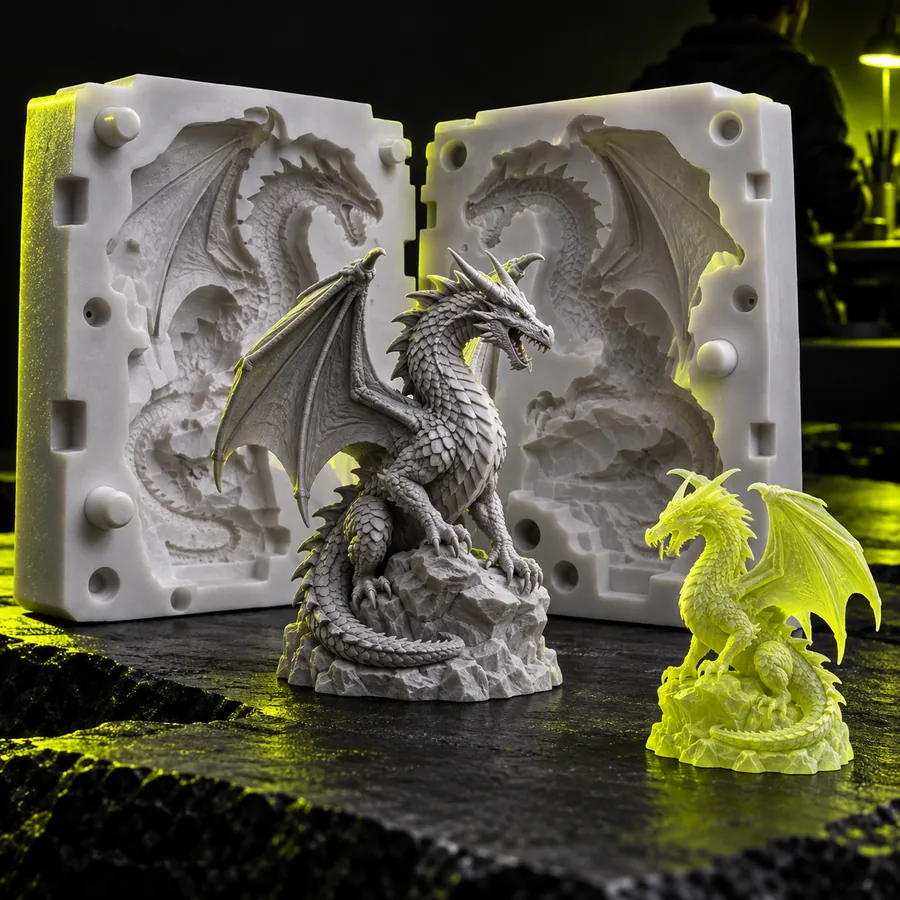 Surface
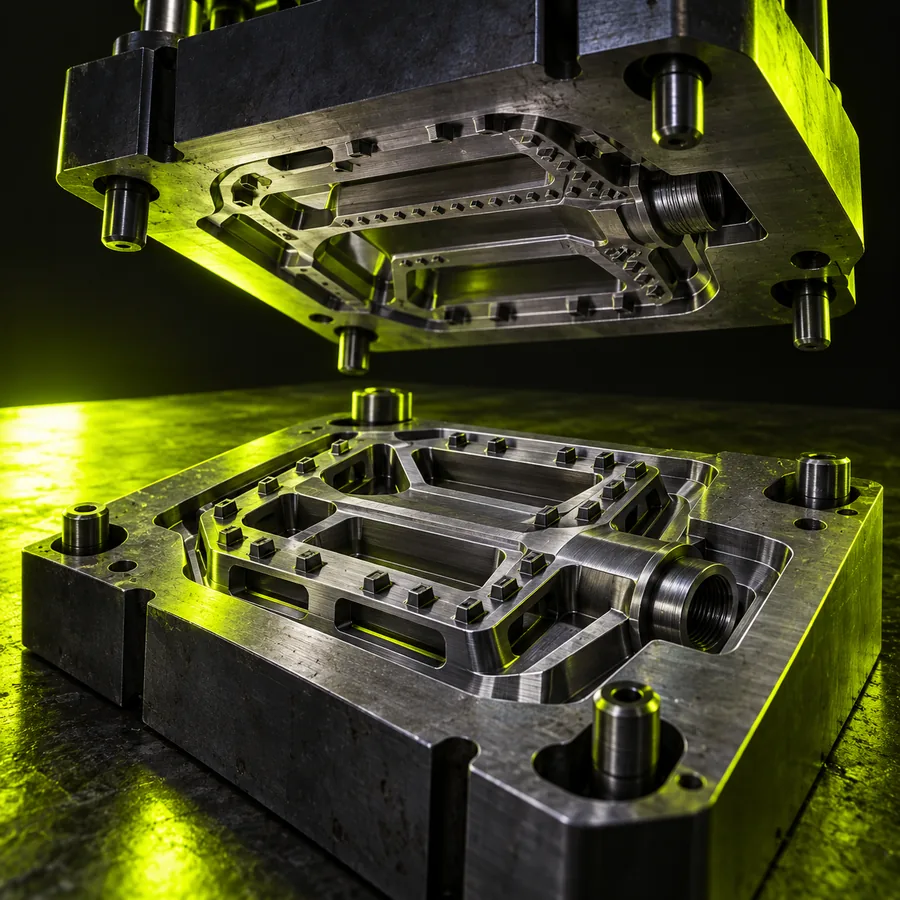 Geometry
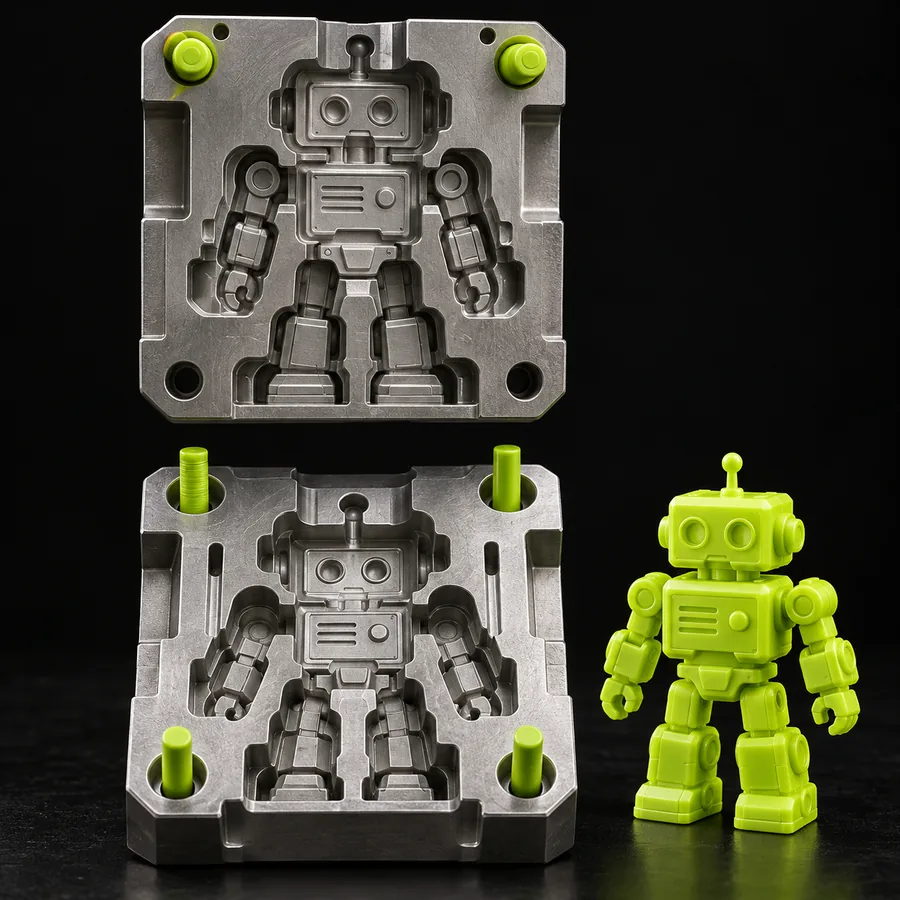 Review
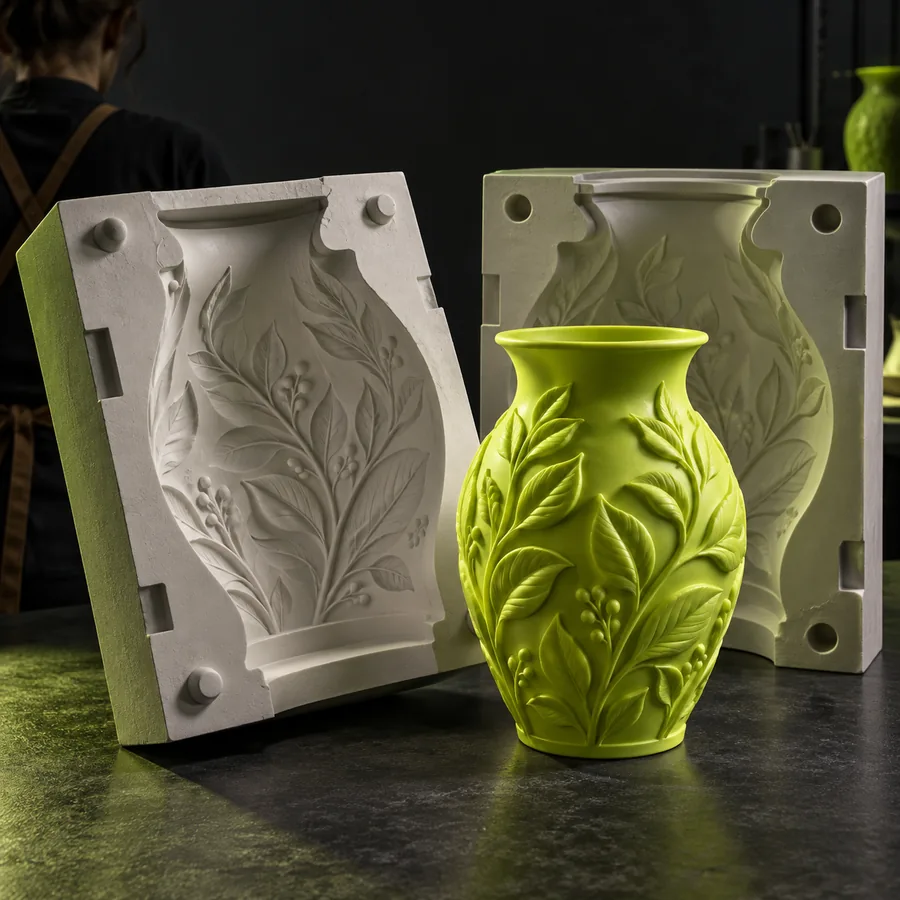 Export
A conversion can change the container without repairing the model. Check these limits before treating the STL as production-ready.
STL describes triangles and does not preserve the textured, material-rich presentation of a GLB scene.
Workaround
Keep the original GLB for visual review and use the STL only where geometry is the required handoff.
Rigging, animation clips, node structure, and scene relationships are outside a normal STL workflow.
Workaround
Use glb to fbx when the receiving pipeline needs richer scene or animation data.
The receiving application may interpret STL units differently from the source scene's units or transforms.
Workaround
Measure a known feature and set the intended units before slicing, machining, or modeling.
Open edges, internal faces, self-intersections, and non-manifold areas can remain after format conversion.
Workaround
Run a mesh validation pass and repair flagged regions before fabrication.
Bring the GLB into a conversion workflow, review the resulting surface, and keep the source asset available for comparison. The important checks are shape, scale, normals, and watertightness—not just the file extension.
Open conversion studioThe answers below address the main conversion question and the practical checks that follow it.
Yes. A GLB can be converted into an STL when the useful result is its triangle-based surface geometry. The conversion normally leaves behind textures, materials, animation, and most scene hierarchy.
It primarily preserves the visible mesh geometry that can be represented as triangles. Check the result for scale, normals, holes, and disconnected or non-manifold regions before using it downstream.
No. STL is a focused mesh format, so it is a better fit for fabrication, slicing, and geometry inspection than for animated or material-rich assets. Keep GLB when scene structure and appearance still matter.
Yes. Conversion does not guarantee that the result is watertight, correctly scaled, or suitable for production. Measure a known feature, inspect the surface, and repair flagged geometry in the next tool.