Glbtomold
Open 3D studio
English

GLB format guide

What Is GLB Format Used For in 3D Workflows?

What is glb format used for? GLB is a compact binary container for sharing a complete glTF 3D scene, including geometry, materials, textures, animations, and scene data in one file.

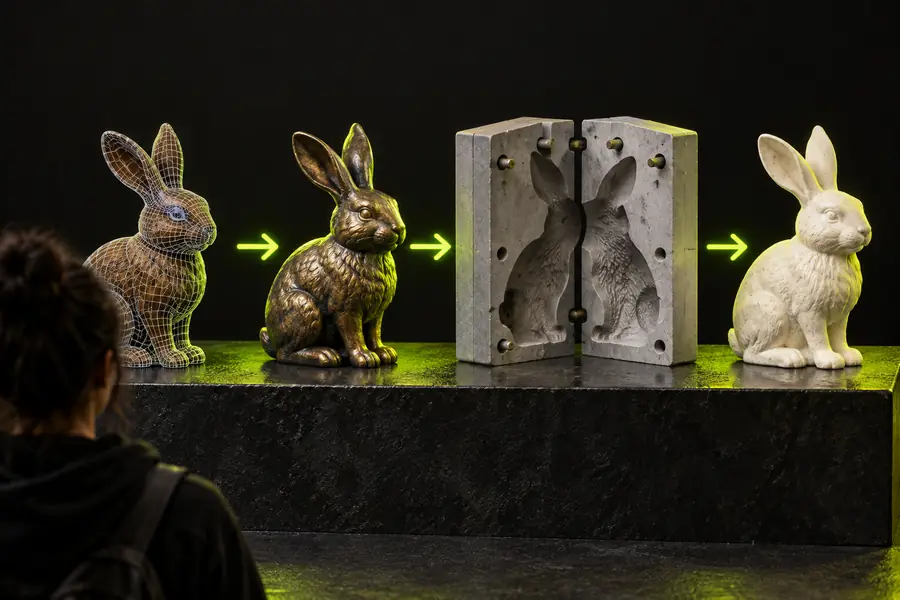
Abstract 3D object representing a packaged digital scene

Start with the definition

One-Line Definition: GLB Is a Packaged 3D Scene

GLB is the binary form of glTF, designed to keep a 3D asset and its supporting data together for reliable transfer between compatible tools.

Not a native CAD solid

A GLB usually represents polygonal meshes, materials, and scene information rather than editable parametric features, sketches, or manufacturing history.

Workaround

Keep the original CAD source when dimensional edits or feature-based changes are required.
Not automatically print-ready

A model can contain open surfaces, thin walls, internal faces, or unsuitable scale even when it displays correctly on screen.

Workaround

Check watertightness, wall thickness, units, and orientation before sending it to a slicer or fabrication workflow.

Not a universal engineering exchange

Some CAD and simulation applications do not preserve GLB materials, animation, hierarchy, or mesh detail in the same way.

Workaround

Export a format supported by the receiving application and verify the result after import.

Not a substitute for texture files in every pipeline

GLB can embed textures, but downstream tools may ignore certain material settings or require a different shading model.

Workaround

Test the target viewer and retain source textures when visual fidelity matters.

From scene to file

How GLB Works

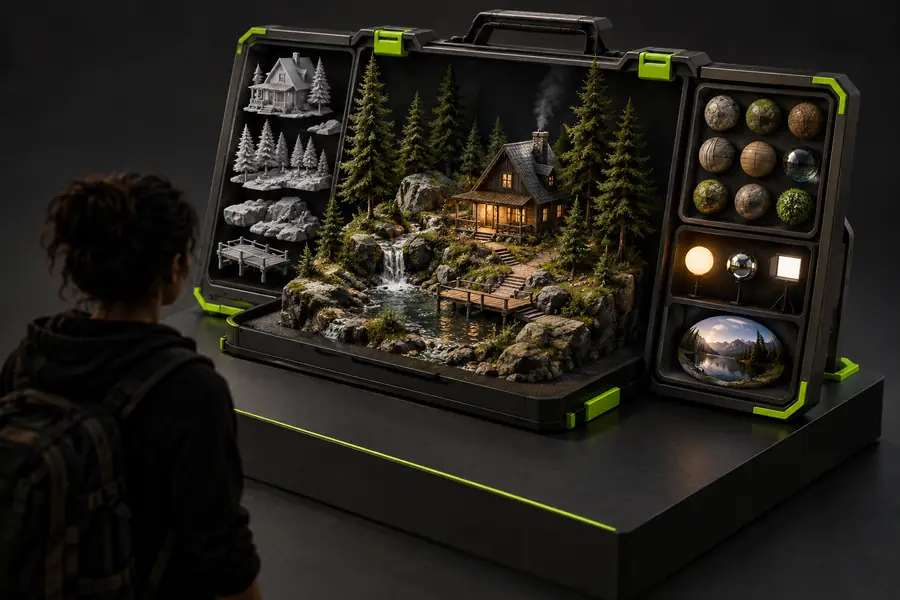
The format combines the scene description and its binary resources into a single transferable package, making asset handling simpler than a multi-file setup.

  1. 1

    Build the scene

    A 3D application creates meshes, nodes, cameras, materials, textures, and optional animation data in a glTF-compatible structure.

  2. 2

    Pack the resources

    The JSON scene description and binary buffers are stored in one GLB container; textures may also be embedded so fewer companion files are needed.

  3. 3

    Open or convert it

    A compatible viewer, browser tool, game engine, or 3D application reads the package and reconstructs the scene for display, editing, or another export.

Continue exploring

Related GLB Paths

Choose the next route based on the software or output you need; each workflow treats the same scene data differently.

Format at a glance

GLB Compared With Separate glTF Assets

Both approaches belong to the glTF ecosystem. The main difference is how the scene description and supporting resources are delivered.

GLB
glTF package

Primary form

GLB

One binary container

glTF package

JSON scene file plus referenced resources

File handling

GLB

Usually easier to move as one asset

glTF package

Requires keeping related files and paths together

Human readability

GLB

Binary and not intended for direct reading

glTF package

JSON scene data can be inspected as text

Texture arrangement

GLB

Can embed texture resources

glTF package

Textures are commonly separate image files

Web delivery

GLB

Convenient when a single request or asset package is preferred

glTF package

Useful when resources need independent caching or editing

Editing workflow

GLB

Less convenient for manual scene-file edits

glTF package

More accessible for inspecting and changing JSON references

Typical use

GLB

Portable delivery, viewers, previews, and asset handoff

glTF package

Development pipelines, inspection, and resource-managed projects

Same scene, new context

From Packaged Scene to Usable Mesh

A GLB may begin as a visually complete scene and still need inspection before it is used in a technical or physical workflow.

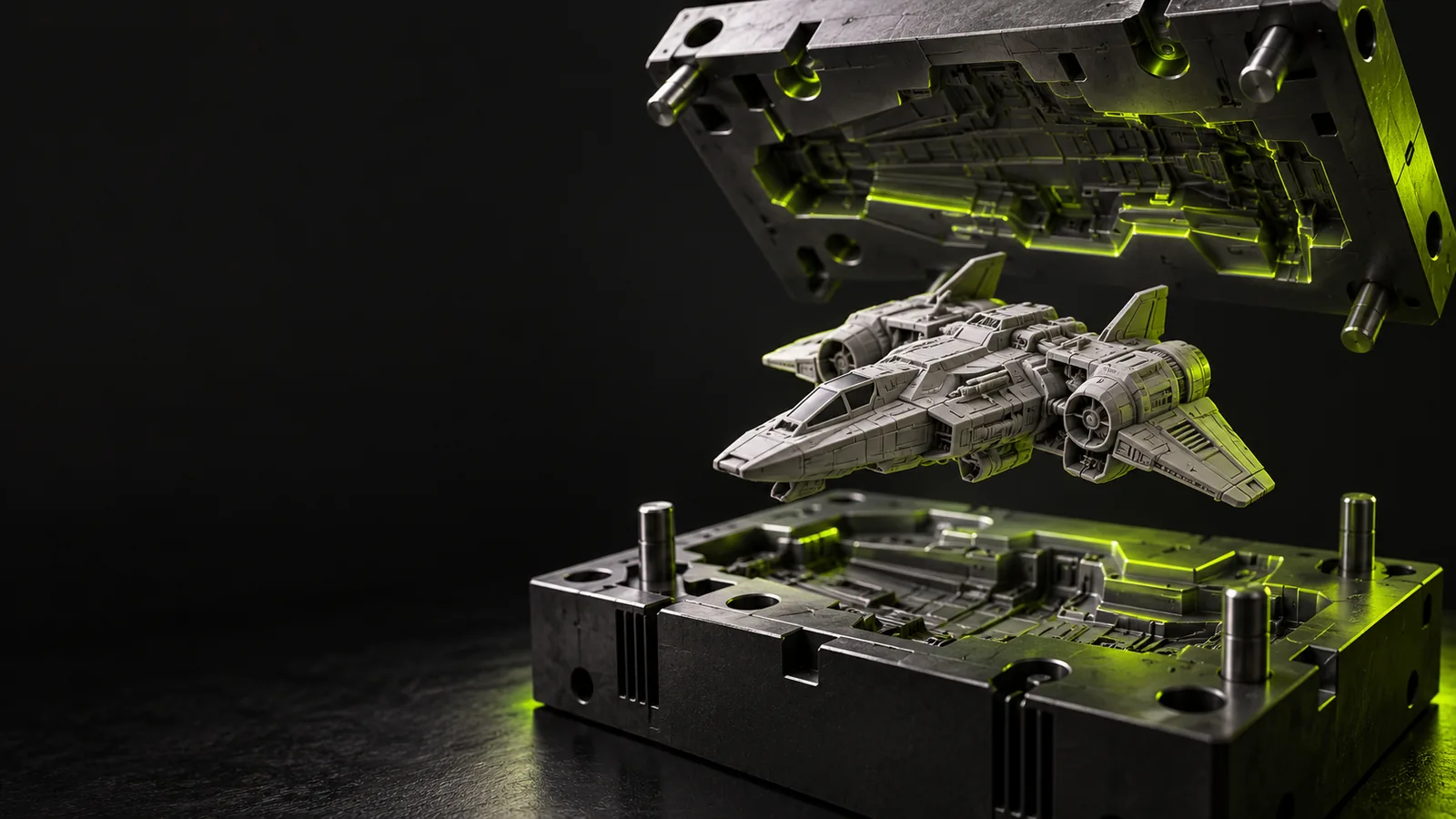
GLB scene shown as a packaged 3D asset Packaged GLB scene
Mesh prepared for a 3D printing workflow Checked mesh output
Display-ready does not always mean production-ready.

Who uses GLB

Who Uses GLB Files?

GLB is useful wherever a complete 3D scene must move between creation, presentation, review, and downstream processing tools.

Web and product teams

A team needs to place an interactive product model into a browser experience without coordinating several asset files.

A single GLB package can simplify delivery, previewing, and handoff between design and web implementation.

glb to obj

Blender artists

An artist receives a compact scene from another tool and wants to inspect materials, geometry, or animation in Blender.

Importing GLB provides a practical starting point, while the source scene should be preserved for any deeper edits.

glb file blender

3D printing users

A creator has a downloaded or scanned mesh in GLB and wants to assess whether it can move toward fabrication.

The file can be inspected and converted, but scale, watertightness, wall thickness, and normals still need attention.

glb file 3d print

CAD and engineering teams

A designer receives a visual mesh from a rendering, review, or scan workflow and needs to understand its limits in engineering software.

GLB is useful for visual reference and mesh exchange, while native CAD formats remain better for parametric design intent.

glb file solidworks

Put the format in context

Move From GLB Knowledge to a Practical 3D Workflow

Once you know what is glb format used for, the next decision is where the file belongs in your pipeline. Use the Glbtomold route to continue from format research into a focused 3D workflow, while keeping the original asset and checking every conversion at the receiving end.

Open the 3D studio
  • Keep source files alongside exported GLB assets
  • Verify geometry and scale before fabrication
  • Choose the output format required by the next tool

Common questions

GLB Format FAQ

These answers address the practical meaning of GLB and where it fits among common 3D file workflows.

GLB is used to package and share 3D scenes in a single binary file. It can carry geometry, materials, textures, scene hierarchy, cameras, lights, and animation data for compatible viewers and applications.

Neither is universally better; they suit different handoff needs. GLB is convenient when one portable file is preferred, while a glTF package can be easier to inspect, edit, cache, or manage as separate resources.

Yes, compatible 3D applications can import and edit the mesh, materials, hierarchy, or animation. However, GLB generally does not preserve the parametric history and feature tree associated with native CAD files.

It can be a starting point when the receiving tool supports GLB or when the mesh is converted to a fabrication-friendly format. Before printing, check units, scale, normals, watertightness, wall thickness, and unsupported details.

A GLB can embed texture resources along with the scene, which helps keep a visual asset self-contained. The receiving application may still interpret materials differently, so verify the appearance after import.

Open 3D studio
Open 3D studio