Glbtomold
Open 3D studio
English

Mesh to CAD

A glb file solidworks project can begin with a reference

A GLB can show the shape you want, but its mesh is not automatically an editable SolidWorks part. Glbtomold helps you frame the handoff: inspect the source, identify the geometry that matters, and plan what must be rebuilt or verified in CAD.

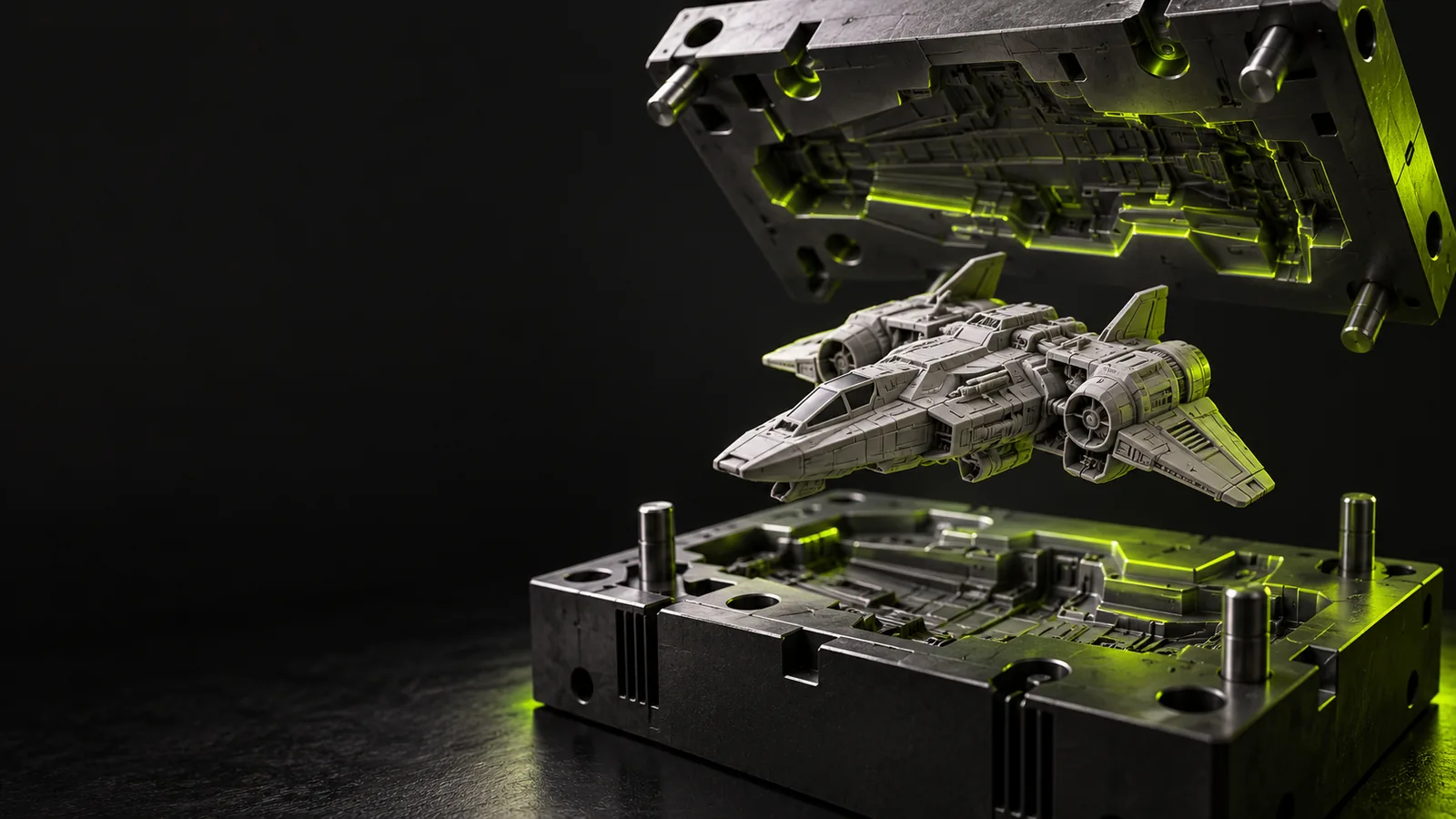
Industrial 3D modeling scene

The audience's existing pipeline

Most handoffs begin outside CAD: a designer shares a visual model, an engineer checks it, and a manufacturer asks for defined geometry.

Who needs the handoff

The right outcome depends on who receives the model; a convincing preview and a manufacturable part answer different questions.

Product designer

A visual concept arrives as a GLB, with materials and shape but no dimensioned feature history.

Mark the surfaces and proportions that the CAD model must preserve, then identify dimensions that need independent confirmation.

what is glb format used for
Mechanical engineer

A stakeholder wants to turn a presentation asset into a part that can be revised in SolidWorks.

Treat the mesh as reference geometry and plan a rebuild around sketches, surfaces, or features rather than assuming direct editability.

glb file blender

Prototype technician

A mesh must be checked before anyone uses it to make a physical test piece.

Inspect scale, openings, wall intent, and surface defects before choosing a downstream preparation route.

glb file 3d print

Tooling planner

A visual model suggests a moldable form but says nothing reliable about parting lines or draft.

Document which features are visual intent and which must be engineered before tooling review.

glb to mold online free

Where we slot in

Use the source model to define the work, not to skip it. This sequence separates inspection, reconstruction, and acceptance.

  1. 1

    Inspect the source

    Open the GLB in a compatible viewer or mesh editor. Check orientation, apparent scale, separate objects, missing areas, and whether the visible details are geometry or textures. Record anything a CAD operator cannot infer from appearance alone.

  2. 2

    Define the CAD target

    Decide whether the job needs a reference mesh, a surfaced shape, or a fully editable parametric part. Supply critical dimensions, intended material, mating interfaces, tolerances, and manufacturing constraints separately; a visual model does not establish them.

  3. 3

    Review the handoff

    Compare the reconstructed model with the GLB silhouette, then check dimensions and interfaces against independent requirements. Ask the CAD owner to confirm feature editability and document any approximated or omitted details.

Before/after

The meaningful change is from a visual reference to geometry whose engineering decisions can be inspected and revised.

GLB source
SolidWorks handoff target

Primary purpose

GLB source

Portable visual representation of a 3D scene

SolidWorks handoff target

A CAD model defined for a particular design or engineering task

Geometry

GLB source

Typically polygon mesh data

SolidWorks handoff target

Mesh reference, surfaces, or modeled features, depending on the agreed deliverable

Dimensions

GLB source

Must be checked against a trusted reference

SolidWorks handoff target

Critical measurements specified and verified

Edit history

GLB source

Does not convey a SolidWorks feature tree

SolidWorks handoff target

Only available if features are deliberately reconstructed

Appearance

GLB source

May include materials and textures for viewing

SolidWorks handoff target

Appearance is separate from dimensional and manufacturing requirements

Manufacturing readiness

GLB source

Cannot be assumed from a plausible-looking render

SolidWorks handoff target

Requires checks for fit, thickness, clearances, draft, or other process-specific needs

Deliverable spec

Agree on the target before conversion or remodeling begins: a viewable reference, an editable part, and a production-reviewed design are distinct deliverables.

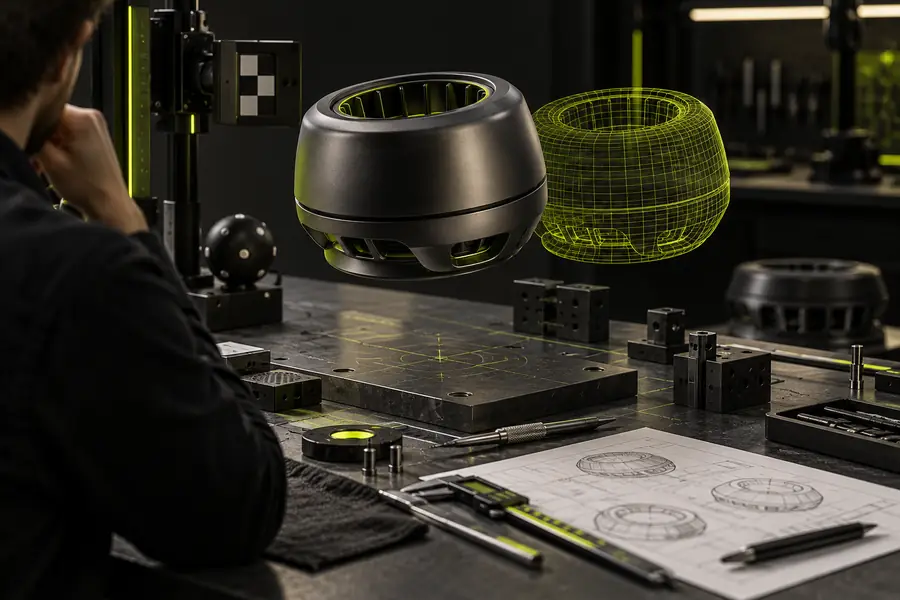
Illustrative 3D concept image representing a visual source Visual source
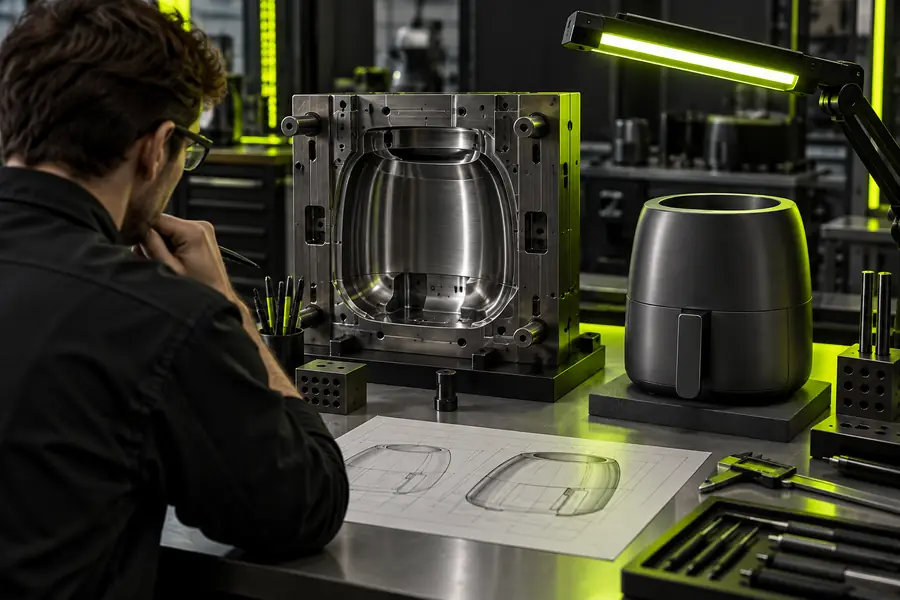
Illustrative industrial modeling image representing a CAD handoff target Defined CAD target
These images illustrate stages of a handoff, not a verified conversion of the same model. Specify the required file, dimensions, editability, and review criteria in writing.

What the route cannot guarantee

A mesh can support engineering work, but it cannot supply design decisions that were never included in the source.

No automatic feature history

A GLB does not contain the sketches, constraints, and operations that make a SolidWorks part conveniently editable.

Workaround

Rebuild important features from agreed dimensions and use the mesh as a reference.

No dependable tolerance data

Visual accuracy does not establish fits, surface finish, allowable variation, or inspection requirements.

Workaround

Request drawings or measured reference dimensions before approving a CAD deliverable.

No implied manufacturing approval

Neither a clean-looking mesh nor a reconstructed solid proves that the design is suitable for machining, printing, or molding.

Workaround

Run the reviews required by the chosen process and document unresolved risks.

Take the next modeling step

Bring a clearer brief to the industrial workflow

Glbtomold can help frame the questions to resolve before an industrial modeling handoff. Bring the source GLB, any trustworthy dimensions, and a description of the intended use. Confirm the available import and export options in the linked application before relying on a particular SolidWorks deliverable.

Explore industrial modeling
  • Identify what the mesh shows
  • Specify what the CAD model must do
  • Verify the result against independent requirements

Scenario FAQ

Do not assume that opening or importing a GLB will produce an editable feature-based part. A GLB primarily carries scene and mesh information; check the import capabilities of your SolidWorks version and plan to reconstruct features when editability matters.

State whether you need a visual reference, a surfaced model, or a feature-based CAD part. Provide critical dimensions and intended use, and ask the modeler to flag details that cannot be determined from the mesh.

Do not rely on a geometry handoff to preserve the GLB's visual appearance. Textures and materials serve a different purpose from CAD dimensions, so keep the original GLB as an appearance reference and verify what any chosen workflow transfers.

Check the output against drawings or measured requirements, not just against the source render. Review the features relevant to your process, such as fit and clearances, wall thickness, or draft, with the responsible engineer or manufacturer.

Open 3D studio
Open 3D studio